
Free · 10 minutes · No app needed
The 10-Minute Phone Scam Protection Plan
A free step-by-step guide that shows you and your family how to spot scam texts, calls, and emails, and exactly what to do about them.
- Sent to your email, opens on your phone or computer
- 5 short steps, about 2 minutes each
- Example scam messages so you know what to watch for
- Easy settings for iPhone and Android
- A printable PDF checklist for your family
TrustShield helps identify warning signs and uncertainty. It cannot prove that something is safe or fraudulent.
Get the free plan
Enter your email and we will send it to you in a minute.
How it works
- Enter your emailType your email in the box above. It takes a few seconds.
- Open the email we sendTap "Open my protection plan" in the email. Check Spam if you do not see it.
- Follow the 5 stepsRead each short step, tick it off, and print the PDF checklist for your family.
What is inside the plan
The 5 steps you will go through
Each step ends with one thing to do now. The examples are fictional, and the plan never asks for a password, payment detail, or the contents of a message.
Recognize the warning signs
Spot the five tricks most scam texts and calls rely on, using fictional bank, delivery, payment, and family examples.
Verify before you trust
Check a request through a contact method you already had, never the link or number inside the message.
Secure your phone
Turn on the spam filtering, updates, and two-step verification already available on iPhone and Android.
Know what to do if someone already acted
First steps after a click, a shared password, a payment, or exposed identity details.
Set up a family routine
One shared verification rule and a short weekly and monthly checklist.
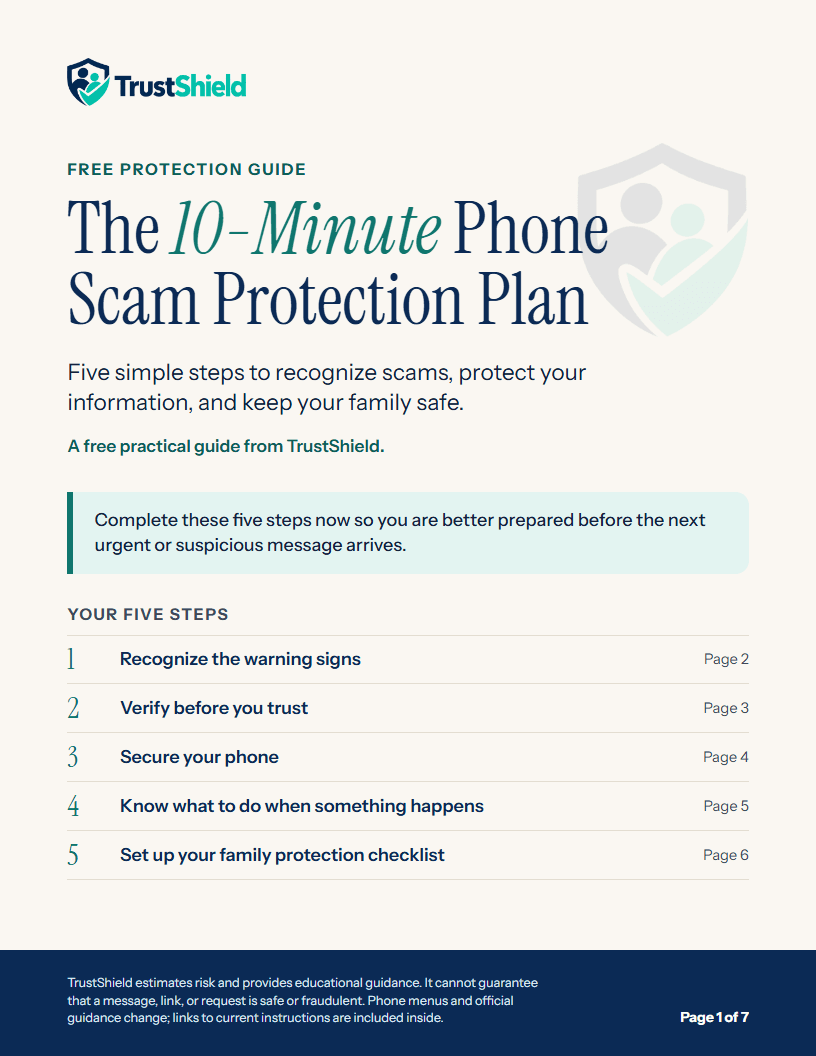 IncludedPrintable PDF versionA 7-page checklist with large text and tick boxes, for anyone who prefers paper. You get it inside the plan.
Holding a suspicious message right now?
You don't need the plan for that. Paste the message into the free checker to see its warning signs and safer next steps. No sign-up needed.